
Clinics looking for Keet alternatives usually share one concern: they want patient engagement tools without losing control over care delivery. Many of these clinics currently use Keet software (often referred to as Keet Health) and begin searching for alternatives once they hit limits around customization or clinical flexibility.
This guide reviews the strongest Keet alternatives for physical therapists, compares how they differ in home exercise programs, workflow design, and clinical flexibility, and explains which option fits which type of practice.
Keet alternatives worth considering today
Keet alternatives refer to software platforms that clinics consider when Keet Health no longer fits their clinical workflow or personalization needs. These tools are typically used to support home exercise programs, patient engagement, documentation, or practice operations, depending on how a clinic delivers care.
Searching for Keet alternatives often means the same thing: a practice wants modern patient-facing software but doesn’t want rigid workflows, stock exercise libraries, or systems that feel designed for administrators instead of clinicians. That’s why many teams start comparing alternatives to Keet software based on how closely each platform supports real clinical decision-making.
Below are the most relevant Keet alternatives in 2026, ranked by clinical usefulness rather than brand size.
1. Recover Reel: Best for PTs who want custom exercise videos and more control of programming metrics

Recover Reel focuses on one thing most Keet alternatives underplay: therapist-recorded, custom exercise videos. Instead of pushing stock libraries, the Recover Reel makes it easy for clinicians to record, assign, and update exercises directly from a phone.
It provides mobile-first video recording, custom home exercise programs, patient progress tracking, automated reminders, HIPAA-compliant messaging, and a branded patient experience.
Best for physical therapists and movement professionals who want patients to follow their cues, not generic animations.
If patient adherence matters more than administrative bulk, Recover Reel fits. It aligns with how care is actually delivered in small and cash-based practices.
When clinics rely too heavily on pre-built exercise libraries, they quietly outsource part of their care. Over time, that erodes clinical intent, patient trust, and adherence. Software should support how therapists think and teach, not replace it. That belief is baked into platforms that prioritize clinician-created content, and it’s a key reason many practices move away from Keet Health in the first place.
| Pros | Cons |
| Custom clinician videos | Not a full EMR |
| Strong adherence focus | Limited billing tools |
| Mobile-first workflow | Best for small to mid clinics |
2. WebPT: Best for large outpatient clinics

WebPT operates as a large-scale practice management and EMR platform. It appears on nearly every Keet alternatives list because of its footprint in outpatient physical therapy. It provides EMR documentation, billing, scheduling, compliance reporting, and integrated exercise tools.
WebPT is best for multi-location clinics and insurance-heavy practices. It’s a strong choice when documentation, billing accuracy, and scalability matter more than personalization.
| Pros | Cons |
| Robust EMR system | Complex interface |
| Billing + compliance strength | Limited HEP flexibility |
| Scales well | Not clinician-mobile friendly |
3. Wiibi: Best mid-range option for rehab clinics
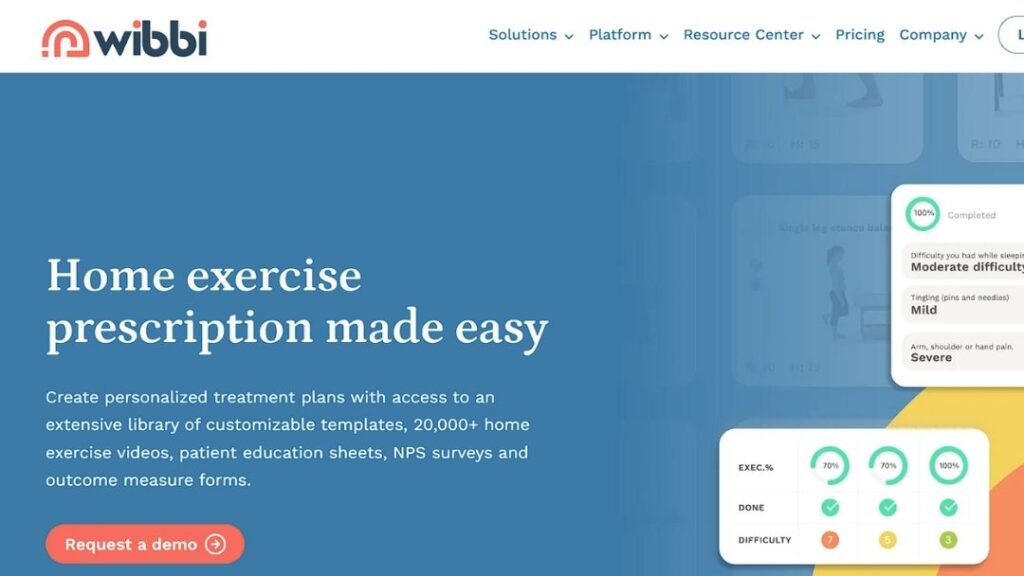
Wibbi positions itself as a balanced rehab software with both clinical and administrative features. It sits between lightweight HEP tools and full EMR platforms.
Wibbi supports exercise programming, scheduling, patient management, and basic customization in a simple workflow. It suits small clinics that want structure without enterprise-level complexity. You get essential tools without heavy setup, though personalization depth remains limited for advanced use cases.
| Pros | Cons |
| Affordable entry point | Stock-heavy exercises |
| Clean interface | Limited video control |
| Easy onboarding | Rigid customization |
4. Carepatron: Best for admin-focused small practices
Carepatron leans toward admin efficiency rather than rehab specificity. It appears often in Keet alternatives searches due to its all-in-one promise.
It offers scheduling, notes, communication tools, and basic HEP functionality, which makes it suitable for solo practitioners with low clinical complexity. You choose it because it reduces administrative friction, even though it does not specialize in rehab-specific workflows.
| Pros | Cons |
| All-in-one admin tools | Weak HEP depth |
| Easy to use | Limited customization |
| Fast setup | Basic reporting |
5. Fusion: Best for documentation-heavy therapy clinics
Fusion targets therapy clinics needing structured documentation and billing. It prioritizes backend workflows over patient-facing engagement.
Fusion includes EMR, billing tools, documentation templates, and clinic reporting features designed to streamline daily operations. It suits clinics that prioritize internal efficiency over patient-facing design. You choose Fusion when system reliability and workflow control matter more than the visual patient experience.
| Pros | Cons |
| Strong documentation | Dated UX |
| Billing support | Minimal engagement tools |
| Clinic-focused | Steep learning curve |
6. Jane App: Best for multi-disciplinary clinics that value scheduling
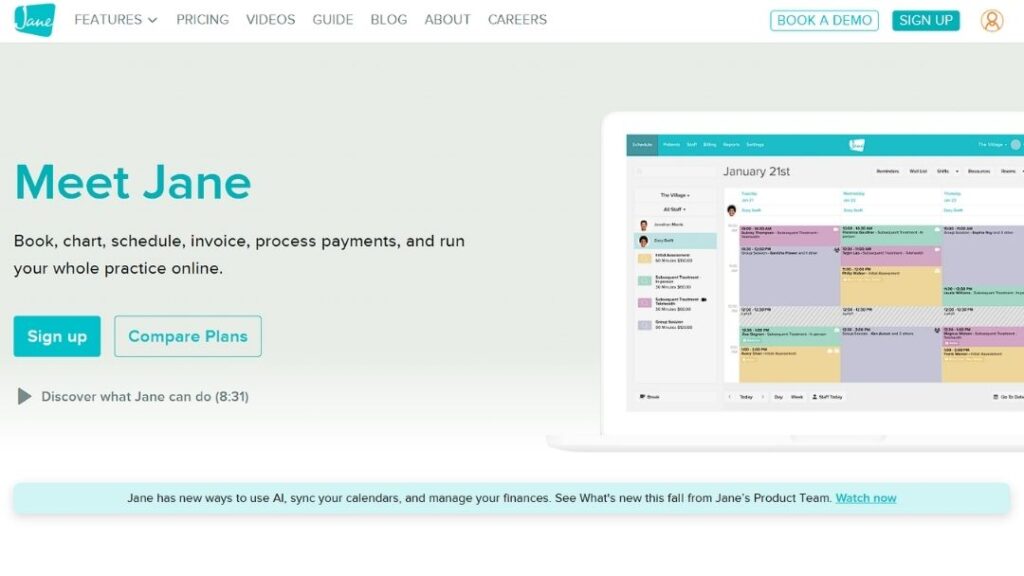
Jane App is widely used for scheduling and charting across health professions. As a Keet alternative, it offers limited rehab-specific depth.
Jane App offers scheduling, charting, invoicing, and client communication in one system. You use it best in multi-disciplinary clinics where broad administrative control matters. You choose Jane App because it simplifies daily admin tasks, even though it does not specialize in physical therapy home exercise programs.
| Pros | Cons |
| Clean interface | Limited rehab tools |
| Reliable scheduling | Not HEP-focused |
| Broad adoption | Expensive for larger teams |
7. Nookal: Best for international clinics with complex operations

Nookal focuses on practice management with global adoption, especially outside the U.S. Nookal offers key features such as scheduling, clinical notes, billing, and reporting, making it well-suited for international clinics with admin-heavy workflows. You choose it for its strong support of structured operations, though it lacks deeper, modern patient engagement capabilities.
| Pros | Cons |
| Global support | Limited HEP tools |
| Stable system | Less mobile-friendly |
| Reporting tools | Limited Customization for Group Settings |
8. Cliniko: Best for solo providers who want minimal admin overhead
Cliniko emphasizes simplicity in practice management. It often appears in Keet alternatives searches due to its ease of use.
Cliniko offers essential features such as scheduling, invoicing, and clinical notes, making it suitable for small clinics that prioritize administrative clarity. You choose it when you want a clean, simple system that reduces operational clutter, while understanding that it does not replace specialized rehabilitation software.
| Pros | Cons |
| Very easy to use | No advanced HEP |
| Affordable | Limited customization |
| Reliable uptime | Expensive automated SMS |
9. SPRY: Best for data-driven clinics that want automation
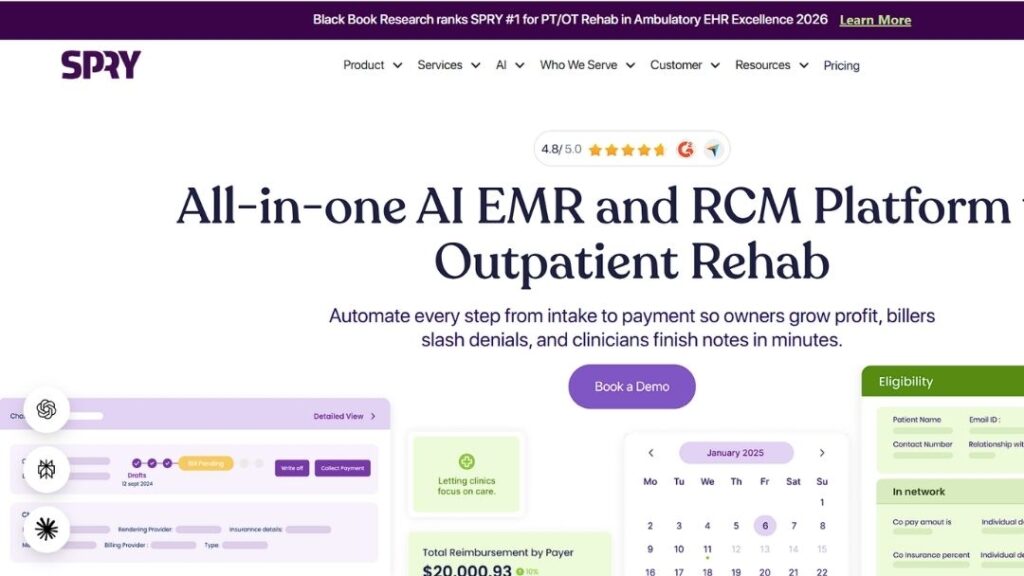
SPRY positions itself as an AI-driven PT platform with documentation and analytics features. SPRY is an all-in-one solution. It offers advanced features such as EMR, analytics, documentation automation, and clinic insights, making it well-suited for tech-forward clinics. It appeals to data-driven teams that want deep visibility into operations and performance, though the platform may feel heavy or overly complex for smaller practices with simpler needs.
| Pros | Cons |
| Analytics tools | Steeper learning curve |
| Automation features | Less patient-focused |
| Modern stack | Occasional Tech Glitches |
What features matter most when choosing Keet alternatives
Choosing among Keet alternatives depends less on feature count and more on alignment with care delivery.
| Feature | Why it matters |
| Custom exercise delivery | Improves patient adherence |
| Mobile-first design | Matches real clinic workflows |
| Patient progress tracking | Reinforces accountability |
| Clinician control | Preserves care quality |
| Administrative flexibility | Prevents workflow friction |
Cost expectations and pricing realities
Pricing among Keet alternatives varies widely depending on scope. Some platforms charge per provider, others per patient, and some bundle everything into enterprise plans.
Clinics should evaluate cost against use, not surface pricing.
| Software Type | Typical Pricing Model | Hidden Considerations |
| HEP-focused tools | Per active patient | Scaling costs |
| EMR platforms | Per provider | Training time |
| All-in-one systems | Tiered plans | Feature gating |
Long-term value often depends on whether software reduces rework, not monthly fees.
How the leading Keet alternatives compare
Different Keet alternatives solve different problems. Context matters.
| Platform | Custom Video Focus | HEP Depth | Admin Tools | Best Fit |
| Recover Reel | Yes | High | Moderate | Personalized PT care |
| WebPT | Limited | Moderate | High | Large clinics |
| Wibbi | Limited | Moderate | Moderate | Growing practices |
| Carepatron | Minimal | Low | High | Admin-first clinics |
| Physitrack | No | Moderate | Low | Library-based programs |
Understanding this distinction prevents costly mismatches later.
Choosing the right direction for your clinic
Choosing among Keet alternatives comes down to one question: Does the software support how you actually treat patients? Tools that prioritize personalization tend to perform better in adherence and satisfaction. Platforms that prioritize reporting perform better in administration.
Clinics that want full control over patient instruction, branding, and engagement visit Recover Reel or learn more about the team behind the software.
For clinics ready to evaluate fit, a direct conversation usually clarifies more than feature lists. That’s why many practices start with a short walkthrough or test the mobile experience via the official app.