
Searching for Physitrack alternatives has become a regular conversation in the PT world as clinicians rethink how they deliver home exercise programs. While Physitrack is a household name in the industry, newer platforms are now pivoting. They’re focusing less on having a massive, generic library and more on things like mobile usability, true personalization, and making sure the patient actually understands what they’re doing.
The goal here is to walk you through the top Physitrack alternatives, show you where each one truly shines, and help you land on a software that actually fits your specific way of treating people.
Physitrack alternatives to consider for home exercise programs
Physitrack is everywhere. It’s used in big hospitals, tiny private practices, and everything in between. It was a game-changer for moving away from those old-school paper handouts by letting therapists send digital programs and keep an eye on how often patients were actually doing them.
But let’s be honest: patient expectations have changed. Most people live on their phones now, and they want workflows that feel native to that experience. Because of this, Physitrack alternatives are picking up steam. These newer tools prioritize clear instructions, the ability to pivot treatment plans quickly, and removing any hurdles that keep a patient from opening their app. Some platforms let you record your own content on the fly, while others dive deep into data and education. The market isn’t just one-size-fits-all anymore; it’s full of specialized tools.
Why therapists look beyond Physitrack
Most of the time, therapists look for an alternative not because Physitrack is broken, but because it doesn’t quite match their clinical style. Huge libraries of 3D animations or stock videos can sometimes feel a bit cold.
If a patient is struggling with a specific movement, seeing a generic model do it might not help as much as seeing their own therapist demonstrate it. Research points out that personalized instruction boosts adherence. When patients feel the program is “theirs,” they actually do it.
Then there’s the workflow side of things. If you’re a therapist who is constantly on the move, you need software that lets you update a plan in thirty seconds between sessions. When a platform feels clunky or too corporate, it creates friction. That friction usually means the patient gets a less-than-ideal experience. This is exactly why so many clinics are moving toward simpler, more agile solutions.
Top Physitrack alternatives
A handful of platforms have really stepped up, each offering a unique take on the home exercise experience. Here is how the top contenders stack up based on how they actually feel to use in a real clinic setting.
1. Recover Reel: Best for Cash-Pay therapists who don’t want to give their patients generic rehab videos
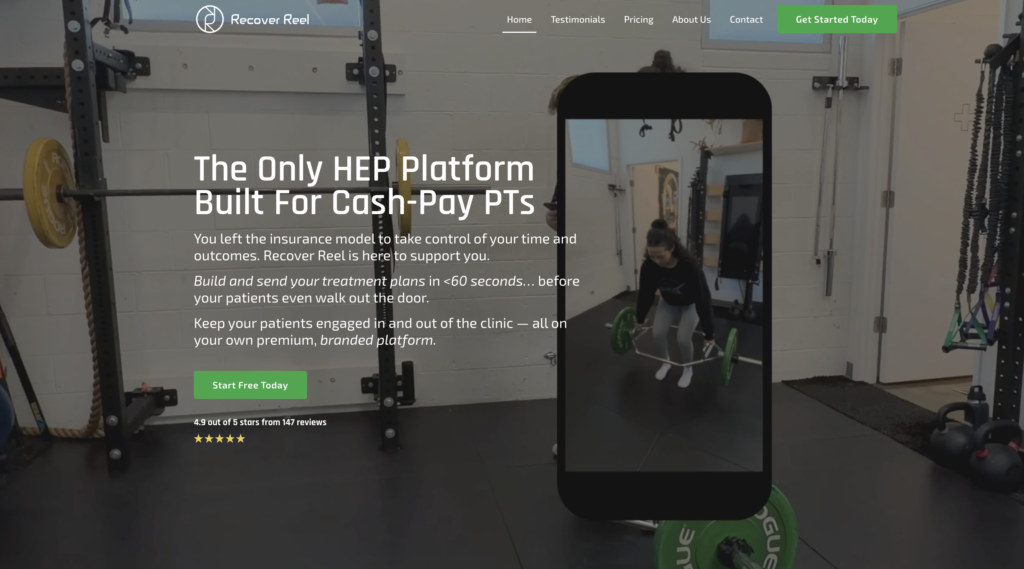
Recover Reel is a bit of a rebel in this space because it doesn’t rely on a pre-made library at all. Instead, it’s built so you can use your phone to record a quick, personalized video of the patient or yourself and send it instantly.
Why choose Recover Reel: It’s for the cash-pay therapist who believes that clarity is king. When a patient sees a video of their own therapist giving them the exact cues they heard in the clinic, the “how-to” confusion pretty much disappears.
Best for: Solo providers, cash-based practices, and any practice owner who prefers high-touch, personalized care over standardized templates.
Key features: Mobile-first video tools, direct-to-patient delivery, and a super clean interface for tracking progress.
| Pros | Cons |
| Videos recorded by the therapist are way clearer | No “stock” library to pull from |
| Patients stay much more engaged | Fewer EMR integrations than the giants |
| It’s incredibly fast to use on a phone | Not built for massive hospital systems |
2. MedBridge: Best for education-focused clinics

MedBridge is like the Swiss Army knife of PT software. It bundles a massive exercise library with a huge catalog of continuing education (CEU) courses for the staff.
Why choose this: If you want one platform that handles both your patients’ home programs and your team’s professional development.
Best for: Big multi-site clinics and hospital systems that need a standardized way to train staff.
Key features: Massive library, patient education handouts, and compliance tracking.
| Pros | Cons |
| A huge amount of educational content | Can be pricey for a single provider |
| Incredible variety of exercises | The interface can feel a bit complex |
| Solid EMR integration options | Less focus on the “personal” touch |
3. Wibbi: Best for large exercise libraries and tracking
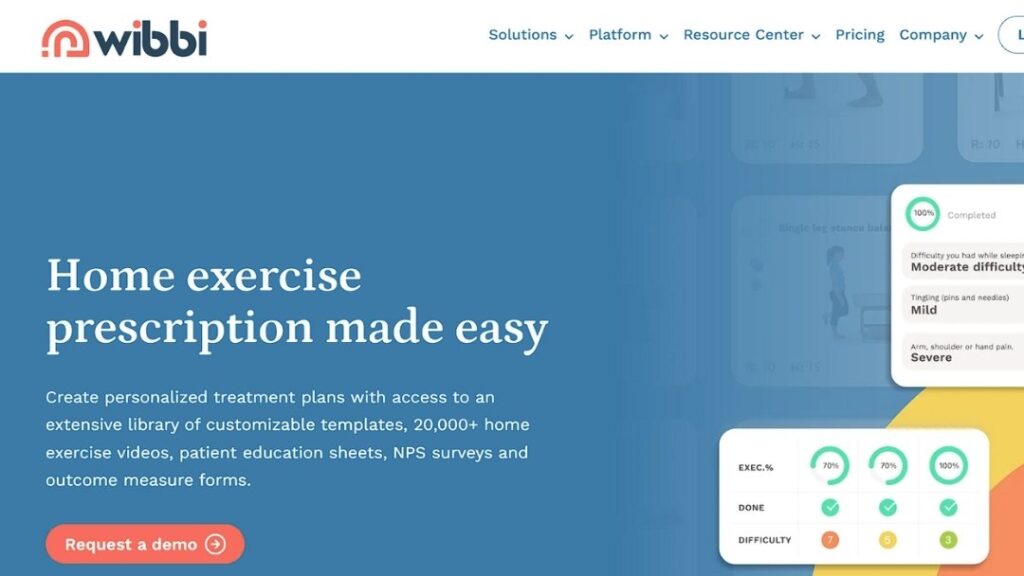
Wibbi (you might know them as Physiotec) is all about scale. They have one of the biggest databases out there, covering everything from standard PT to specialized sports rehab.
Why choose this: If you need a library that covers almost every niche imaginable.
Best for: High-volume clinics and multi-disciplinary teams.
Key features: Massive database, tracking for patient compliance, and multi-language support.
| Pros | Cons |
| One of the largest libraries available | Initial setup takes some time |
| Strong tools for tracking patient stats | Not as easy to customize on the fly |
| Great for many different disciplines | Can feel like “too much” for simple needs |
4. Rehab Guru: Best for integrated clinic workflows

Rehab Guru tries to solve the too many tabs problem. It combines exercise prescription with things like scheduling and patient notes.
Why choose this: If you’re looking to consolidate your tech stack into one place.
Best for: Clinics that want their HEP and practice management to live under one roof.
Key features: Practice management tools, messaging, and exercise prescription.
| Pros | Cons |
| Helps reduce the number of apps you pay for | HEP isn’t the only focus of the app |
| Keeps everything in one dashboard | Customizing videos isn’t as seamless |
| Good for growing businesses | Can be a learning curve for the team |
5. Embodia: Best low-cost entry option
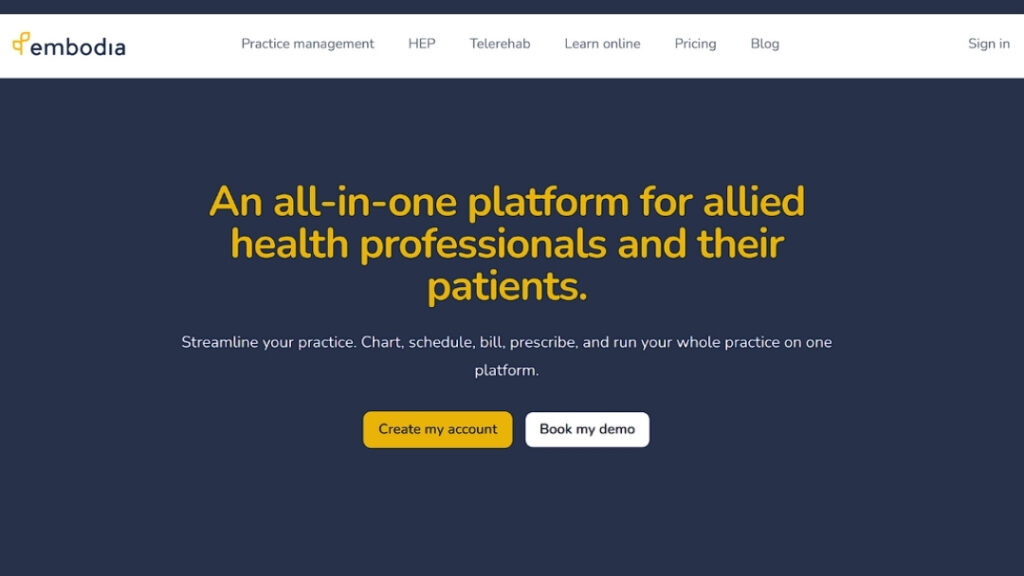
Embodia is widely loved because it’s so accessible. They offer a free version that’s actually useful, which is a rarity in the healthcare software world.
Why choose this: If you’re just starting or working with a very tight budget.
Best for: New grads, students, or therapists who are just testing the digital HEP waters.
Key features: Free tier available, video upload capabilities, and patient messaging.
| Pros | Cons |
| Very easy to get started for free | Missing some of the “pro” tracking features |
| Simple, no-nonsense interface | Fewer options for deep customization |
| Great for people just starting a practice | Might not handle a massive team as well |
6. MoveHealth: Best for performance-driven clinics

MoveHealth is built for the data nerds (and I say that with love). It focuses heavily on objective measurements and performance tracking.
Why choose this: If your clinic thrives on proving progress through hard data and sports science metrics.
Best for: Sports performance centers and clinics focused on return-to-play.
Key features: Outcome measurements and structured performance testing.
| Pros | Cons |
| Excellent data-driven insights | Vald forceplate technology is expensive |
| Provides value to high-level athletes | Monthly rental costs can be in the hundreds of dollars. |
| Strong performance tools | Takes a bit longer to master |
7. PhysiApp: Best for patient-side accessibility

PhysiApp is actually the “patient side” of the Physitrack world, but it deserves a spotlight because it’s what the patient actually interacts with.
Why choose this: If your only goal is to make sure the patient has a pretty app to look at.
Best for: General clinics where simple reminders are enough to drive compliance.
Key features: In-app reminders and pain level logging.
| Pros | Cons |
| Patients generally find it easy to use | You don’t get much customization power |
| Good for keeping people on track | You’re still tied to the Physitrack backend |
| Very clean mobile design | Lacks some advanced clinical flexibility |
Comparing leading Physitrack alternatives at a glance
| Platform | Personalization | Patient Engagement | Outcome Tracking | Mobile Experience |
| Recover Reel | High | High | Yes | Mobile First + Web Based |
| MedBridge | Moderate | Moderate | Yes | Mobile Web/App |
| Wibbi | Moderate | High | Yes | Mobile Web/App |
| Rehab Guru | Moderate | Moderate | Partial | Mobile Web |
| Embodia | Moderate | Moderate | Partial | Mobile Web/App |
| MoveHealth | Moderate | Moderate | Yes | Native App |
| PhysiApp | Low | High | Yes | Native App |
What matters when switching from Physitrack
Usually, when a therapist decides to jump ship, it’s because they’ve realized their current tool doesn’t match the way they actually treat people. Patients in 2026 are looking for a connection, not just a list of chores. If the software feels like a barrier between you and the patient, it’s probably time to move on.
| Factor | Why it matters | What to look for |
| Exercise Clarity | If they don’t get it, they won’t do it | Look for tools that allow for custom coaching cues |
| Personalization | Patients feel more “seen” and motivated | Can you record your own videos easily? |
| Workflow Speed | You don’t have time to waste on a PC | Check for a “mobile-first” design |
| Patient Ease | Technical hurdles kill adherence | Look for a friction-free login process |
How to evaluate home exercise program software
When you’re looking at these options, try to ignore the flashy sales pages for a second. Ask yourself: “Will this actually make my life easier on a Tuesday afternoon when I’m fully booked?”
First, look at how you build a program. If you have to spend ten minutes searching for the “right” video, that’s ten minutes you aren’t treating. Second, think about the patient’s phone. Is the app something they’ll actually want to open, or is it going to be another forgotten icon? Finally, consider the long game. You want a partner that scales with you, whether that means adding more therapists or just keeping your costs predictable.
The best tools are the ones that don’t feel like “tools” at all. They should just be a natural extension of your clinical voice, helping your patients feel confident and supported even when you aren’t in the room with them.
Choosing the right direction for your clinic
Your choice should reflect your clinic’s personality. If you’re all about that high-end, personalized experience, a video-first platform like Recover Reel is going to be your best friend. If you’re running a massive operation with fifty therapists, you’ll probably need the sheer volume of MedBridge or Wibbi.